

Introducing Autobooks for your Business
Autobooks is a powerful tool for small business owners, freelancers, and entrepreneurs who want to send professional invoices, accept online payments, and track cash flow—all from their Meriwest online banking dashboard.
- Send Invoices in Seconds
Create and email branded invoices directly from your Meriwest account. - Accept Payments Online
Customers can pay via debit, credit card, or ACH—no extra apps needed. - Track Cash Flow Automatically
View incoming payments, outstanding invoices, and transaction history in one place. - Secure & Seamless Integration
No need to leave your online banking—Autobooks is built into your Meriwest dashboard.
Log in to Online or Mobile Banking to get started. Not a member yet? Join Our Family

Getting Started with Autobooks
- STEP ONE
Join: Sign up for Autobooks
To enroll, log in to Online or Mobile Banking. In Online Banking you can find Autobooks in the online banking menu or right sidebar under "Invoicing or AutoPay". In the Mobile app find Autobooks
- STEP TWO
Click on the feature of choice (Send an Invoice or Accept a Payment)
Answer a few basic questions regarding the business. Once completed, the customer’s information is sent to the Autobooks team for a risk assessment on the business and business owner. The customer will be notified once they can start collecting digital payments.
Log in to Online or Mobile Banking to enroll in the program—and stay on top of your business finances!
Helpful Videos
Payments Made Simple with Autobooks

Autobooks Fees & Benefits

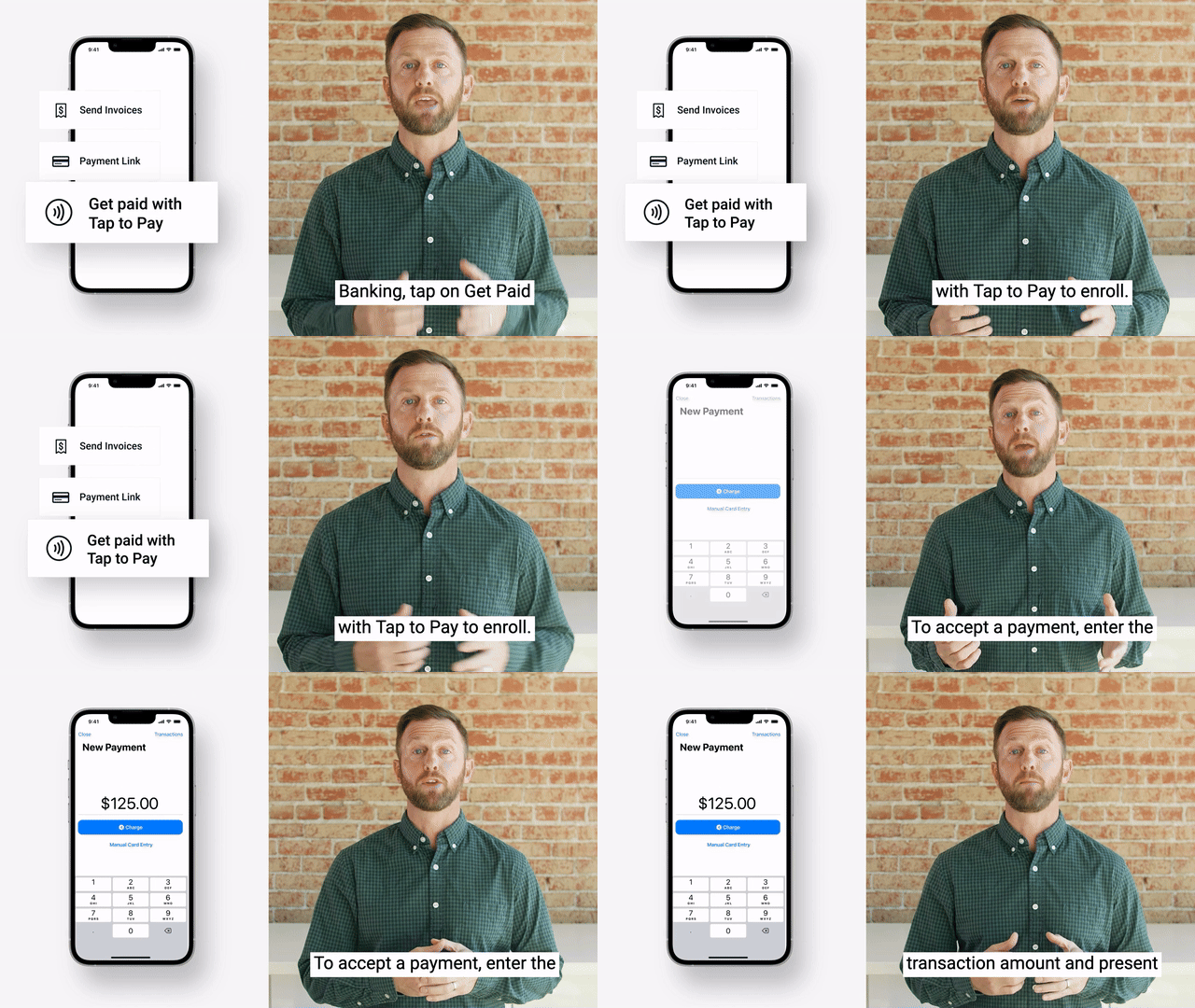
Get Paid with Tap to Pay on iPhone
Send Invoices with Autobooks Online Invoicing

Get Paid Online with Autobooks Checkout Pages

Accept Payments with Autobooks Payment Link


People Usually Ask
-
How can I get help with Autobooks in digital banking?
For assistance with Autobooks in digital banking, visit Support Center where you'll find step-by-step guides and the option to submit a support ticket for personalized help.
-
What is Autobooks?
Autobooks is a digital invoicing and payment tool built into Meriwest’s online banking platform. It helps small businesses send invoices, accept payments, and manage cash flow—all in one place.
-
Who can use Autobooks?
Autobooks is available to Meriwest Credit Union members with a business checking account. It’s ideal for small business owners, freelancers, nonprofits, and gig workers.
-
Is Autobooks free to use?
Yes, there’s no monthly fee to access Autobooks through Meriwest. Standard transaction fees may apply for credit card and ACH payments.
-
Do I need to download an app or create a separate account?
No. Autobooks is fully integrated into your Meriwest online banking and mobile app. You can access it directly after logging in—no extra apps or logins required.